
Free Tools
Catfish Probability Detector
Check whether a dating profile has suspicious identity or photo signals.
Dating Bio Red Flag Detector
Review a bio for scam, pressure, or trust-warning language.
Dating Safety Checklist
Use free GuyID tools before moving from chat to a real date.
Next step
Create your GuyID trust profile
Share consent-based trust signals before a date without turning the conversation into an interrogation.
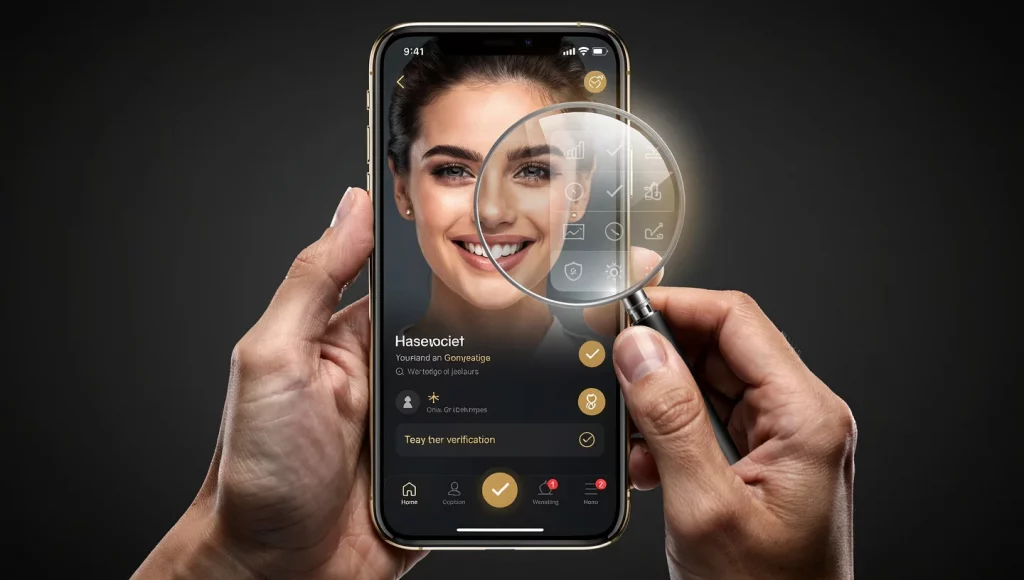
You matched with someone who seems great. The photos look real, the conversation flows naturally, and you’re starting to feel a connection. But before you invest emotionally — or agree to meet — you need to answer one question: is this person actually who they claim to be? Knowing how to verify someone on a dating app helps you evaluate identity signals without treating a photo badge, social profile, or video call as conclusive proof.
Use this five-level workflow for how to verify someone on a dating app, beginning with 30-second pre-swipe checks and progressing to stronger identity evidence. Each method is organized by effort and effectiveness, so you can match the depth of verification to the situation, whether the match is new or the conversation has continued for weeks.
NavigateTable of Contents34 sections
⚡ Key Takeaways
Verify everyone, not just suspicious matches
The proactive approach makes verification routine — like checking reviews before a restaurant. The best scammers don’t trigger suspicion, which is exactly why routine verification catches them.
5 levels of verification — from 30 seconds to comprehensive
Knowing how to verify someone on a dating app doesn’t require hours of detective work. A 30-second reverse image search catches the majority of fake profiles. Each additional level provides incremental protection.
Reverse image search is your single most powerful tool
GuyID’s free reverse image search catches stolen photos, reused AI-generated faces, and profile photos used across multiple scam accounts. It takes 30 seconds and catches more fraud than any other single technique.
Video calls are necessary but no longer sufficient
Video calls add useful evidence, but deepfake technology and account impersonation mean a smooth call alone does not establish identity. Treat the call as one layer rather than a final verdict.
Verified identity through GuyID is the gold standard
When you know how to verify someone on a dating app at every level, you’ll find that GuyID’s government ID + social vouching provides the most comprehensive confirmation available — and it takes 2 minutes to check.
Why You Need to Verify Every Match — Not Just the Suspicious Ones
Most people only think about how to verify someone on a dating app when something feels off — an inconsistency in their story, an excuse for avoiding a video call, or a gut feeling that something isn’t right. By that point, you’ve typically invested days or weeks of emotional energy into conversations, built a mental image of a shared future, and developed the attachment that makes objective evaluation psychologically difficult.
The proactive dating safety approach inverts this: verify first, invest second. Make verification a routine step for every match, not a response to suspicion. This matters for three critical reasons.
First, effective scammers are practiced at appearing trustworthy. Automated writing tools can sustain plausible conversations, and synthetic or stolen images may look convincing at a glance. If you verify only after something feels suspicious, you may miss accounts designed to avoid obvious warning signs.
Second, routine verification removes the stigma. When you verify every match as a standard step (the way you’d check restaurant reviews before booking), no individual verification feels like an accusation. It’s just what you do.
Third, it protects your emotional energy. Discovering a fake profile after 30 seconds of checking wastes 30 seconds. Discovering it after three weeks of daily messaging wastes three weeks — plus the emotional recovery time. Knowing how to verify someone on a dating app before investing is the most efficient possible use of your time and emotional bandwidth.
The 5-Level Verification System: How to Verify Someone on a Dating App
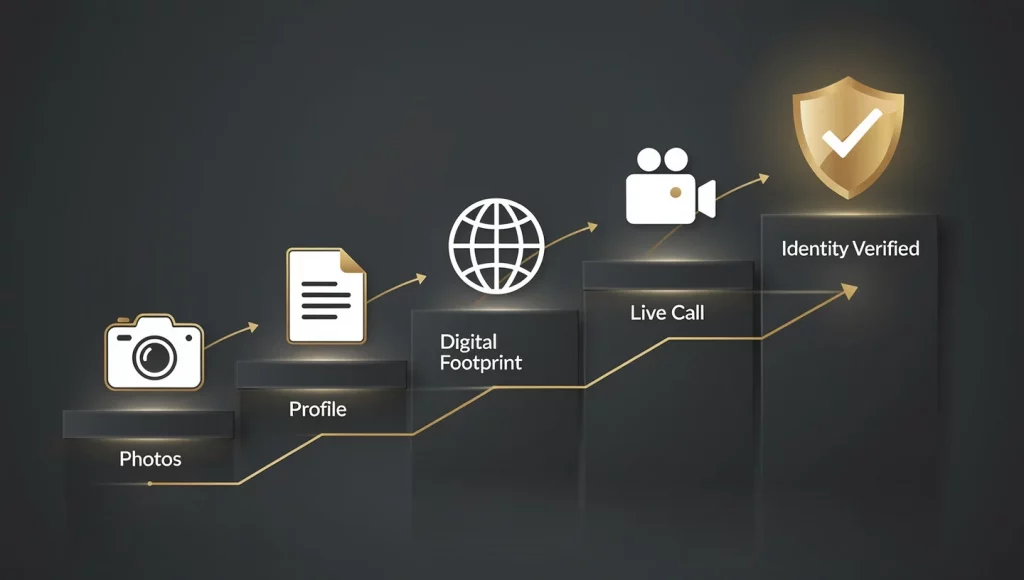
Knowing how to verify someone on a dating app becomes manageable when organized into escalating levels. Each level takes more time but provides more certainty. You can stop at any level based on your comfort — or complete all five for comprehensive verification before meeting in person.
| Level | What It Checks | Time | Cost | What It Catches |
|---|---|---|---|---|
| 1. Photo Verification | Are photos stolen, AI-generated, or reused? | Quick check | Usually free | Stolen photos and reused profile images |
| 2. Profile Analysis | Is the bio credible? Are details specific? | Short review | Usually free | Vague or scripted profiles and inconsistent language |
| 3. Digital Footprint | Does this person exist online beyond the dating app? | Deeper review | Usually free | Fabricated identities and inconsistent backstories |
| 4. Live Verification | Does this person match their photos in real time? | Live conversation | Usually free | Visual and conversational inconsistencies |
| 5. Identity Verification | Is this person’s legal identity confirmed by government ID + social vouching? | 2 minutes to check | Free for women | All fake identities, AI personas, deepfakes |
The five levels are designed to be completed progressively as trust develops. The goal is not to collect every possible data point, but to avoid relying on one weak signal before meeting or sharing sensitive information.
Level 1: Photo Verification — The 30-Second Check That Catches the Most Fraud
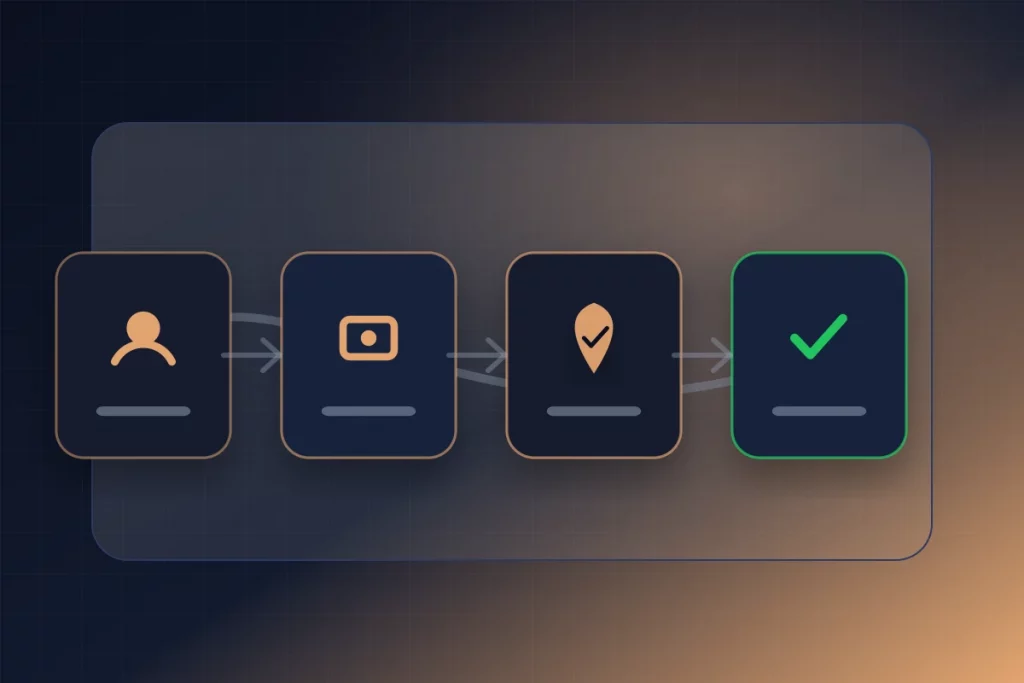
The first and most impactful step in learning how to verify someone on a dating app is running their photos through a reverse image search. This single technique, taking 30 seconds, catches more fraud than any other method because it identifies the most common scam foundation: using someone else’s photos.
Step-by-Step: Reverse Image Search
- Save their main profile photo to your phone. On most dating apps, you can screenshot the photo or long-press to save it. If the app blocks screenshots (some do), take a photo of your screen with another device.
- Upload to GuyID’s free reverse image search. This tool checks the photo against databases of known scam profiles, stock photos, and images indexed across the web. Results appear in seconds.
- Run a Google Lens comparison. Submit the photo through the camera control in Google Images, then inspect visually similar results as well as exact matches.
- Check TinEye. TinEye (tineye.com) specializes in finding exact matches and modified versions of images. It’s particularly effective at catching photos that have been cropped, filtered, or slightly altered.
- Check Yandex Images. Yandex (yandex.com/images) is particularly effective for finding photos sourced from Russian and Eastern European social media — a common origin for stolen dating profile photos.
Interpreting Results
- Photo appears under a different name: The profile is using stolen photos. This is definitive — unmatch immediately and report the profile.
- Photo appears on a stock photography site: The profile used a purchased or free stock image. Definitive fake — report immediately.
- Photo appears on multiple dating sites under different identities: This is a scam operation using the same photo set across platforms. Report to all platforms where it appears.
- No results found: This means the photo hasn’t been indexed elsewhere — which is the expected result for a genuine person’s selfies. However, no results also occurs with AI-generated photos (which are original and have no source). A clean reverse image search is a positive signal but not conclusive proof of authenticity. Proceed to Level 2.
AI Photo Detection
If the reverse image search comes back clean, examine the photo for AI-generated characteristics:
- Excessive perfection — skin too smooth, lighting too even, features too symmetrical
- Background artifacts — distorted text, impossible architecture, smeared crowd faces
- Accessory inconsistencies — mismatched earrings, merged jewelry, impossible buttons
- Hand anomalies — wrong finger count, merged digits, impossible bending angles
- The “AI smooth” quality — hair that looks painted rather than individual strands, overly uniform iris patterns
🔍
Pro Tip: Check ALL Their Photos, Not Just the Main One
Scammers often mix one or two legitimate-looking photos with others sourced from different people or AI sessions. Run every photo through reverse image search, not just the first one. Inconsistencies between photos — different skin tones, different body types, different environments that don’t make sense for one person’s life — also indicate a compiled profile. When learning how to verify someone on a dating app, thoroughness at Level 1 saves the most time downstream.
Level 2: Profile Analysis — Reading Between the Lines (2 Minutes)
Level 2 in knowing how to verify someone on a dating app goes beyond photos to analyze the profile’s text and overall composition. This catches scam profiles that pass photo verification — including those using AI-generated photos that have no reverse image search source.
Bio Red Flag Analysis
Run the profile’s bio text through GuyID’s dating bio red flag detector, which identifies language patterns commonly associated with scam and catfish profiles. Manually, look for these patterns:
- Vagueness without specifics: “I love to travel, laugh, and enjoy life” contains zero verifiable information. Real people write “marathon runner, obsessed with Thai food, data analyst at [company]” — specific, concrete, checkable.
- Career claims that explain unavailability: Military deployment, oil rig work, international business, humanitarian missions, maritime engineering. These careers justify not being able to meet, not video calling, and — in pig butchering scams — present financial sophistication that makes investment recommendations credible.
- Emotional appeals over factual information: “Looking for my soulmate” and “Tired of games, ready for something real” are emotional hooks that substitute for the biographical specifics a real person would provide. Scam bios are designed to attract; real bios are designed to describe.
- Too-perfect alignment with your preferences: If their bio reads like someone wrote it specifically for you — matching your exact interests, values, and life goals — it may have been crafted using information from your own profile. Targeted bios are a hallmark of sophisticated scam operations.
Profile Composition Analysis
- Photo variety: A real person’s profile shows different settings, different times of day, different outfits, and often includes friends. A scam profile often has 3-5 photos that look like the same photoshoot — similar lighting, similar quality, no friends visible.
- Recently created account: Some apps indicate when a user joined. A brand-new account combined with a polished, complete profile is suspicious — real users typically join and build their profile gradually.
- Location consistency: Does the claimed location match the photo backgrounds? Does the distance shown match what they claim? Someone who says they live in your city but whose photos show a consistently different climate or setting may not be where they claim.
Level 3: Digital Footprint Check — Does This Person Exist Online? (5 Minutes)
Level 3 of how to verify someone on a dating app extends beyond the dating app itself to check whether the person has a credible existence across the broader internet. A real person leaves a digital footprint that spans years and platforms. A fabricated identity typically exists only on the dating app and, sometimes, recently created social media accounts.
LinkedIn Search
Search their first name, claimed profession, and claimed city on LinkedIn. A real professional has a LinkedIn profile with multiple years of work history, real connections (not just 50 first-degree contacts), endorsements from colleagues, and posts or activity over time. If they claim to be a VP of Finance at a major company and no LinkedIn profile exists — or the profile was created three months ago with minimal connections — the career claim is fabricated.
LinkedIn is the most valuable digital footprint source because professional history is harder to fake over time than social media content. A fake Instagram can be filled with stolen content in a day. A fake LinkedIn with years of credible work history, realistic connections, and organic activity is much harder to build.
Instagram and Facebook Search
Search their name and, if you have it, phone number or email on Instagram and Facebook. Real accounts show years of organic activity: tagged photos with real friends, genuine comments and conversations, consistent biographical details across platforms, and a social graph (friends/followers) that reflects a real human social network. Scam accounts are typically either nonexistent, recently created, or have an obviously purchased follower base with no real engagement.
Cross-reference what they’ve told you on the dating app against their social media. Does their age match? Does their career match? Does their location match? Do they have the friends, hobbies, and lifestyle they described? Inconsistencies between platforms indicate fabrication.
General Web Search
Google their full name (in quotes) combined with their claimed city and profession. A real person typically appears in at least some results — company website bios, conference speaker lists, local news mentions, professional association memberships, race results, or alumni directories. A fabricated identity typically produces zero relevant results.
Also Google their phone number (if you have it) in quotes. Scammer phone numbers frequently appear in online fraud databases, scam reporting websites, and forums where victims share known scam numbers. Finding their number associated with scam reports is definitive proof you’re dealing with a fraudster.
Level 4: Live Verification — Video Calls with Active Testing (5-15 Minutes)
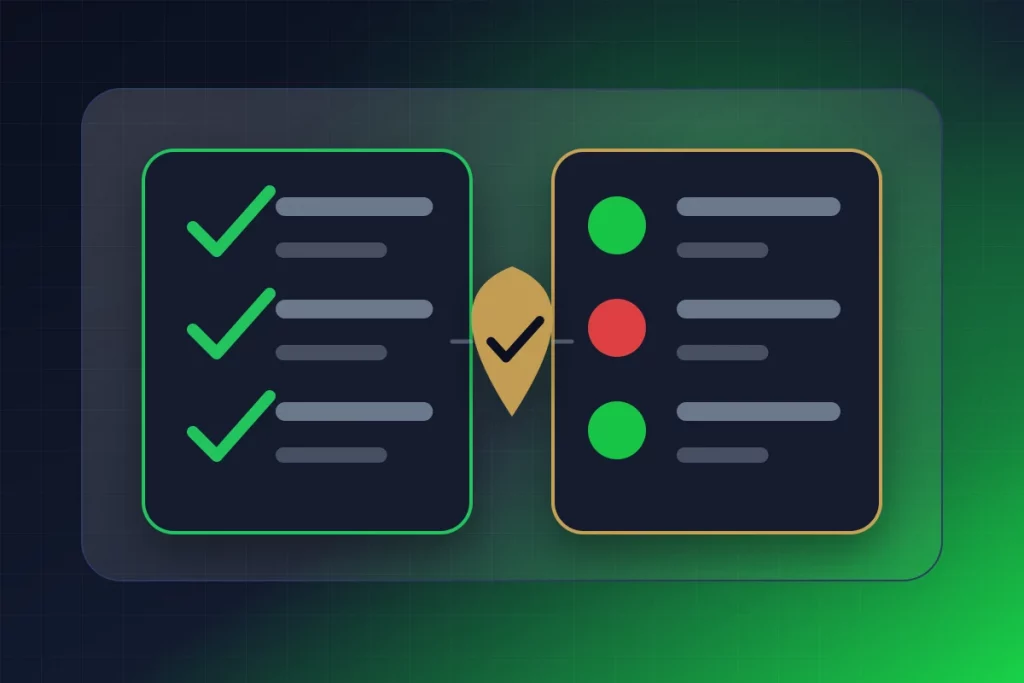
A video call is a useful part of how to verify someone on a dating app, particularly when the conversation and appearance can be compared with earlier profile details. However, deepfake technology and impersonation mean that a smooth call alone does not prove the person’s identity. Use it alongside independent checks.
Requesting the Video Call
Frame the request naturally: “I’d love to put a face to the voice — can we do a quick video call this week?” within the first 3-7 days of matching. In the proactive dating safety model, this isn’t a suspicious interrogation technique — it’s a standard step in getting to know someone.
Pay close attention to their response. Genuine people agree readily — they want to advance the connection too. Scammers produce excuses: broken camera, bad internet, work restrictions, timezone difficulties that perpetually prevent scheduling. One excuse is normal. Two excuses are concerning. Three or more excuses across multiple weeks is a definitive red flag — someone who won’t video call after multiple requests is hiding their identity.
Active Deepfake Detection During the Call
If they agree to video, use these techniques from our deepfake detection guide during the call:
- “Show me what’s behind you — turn around!” Full head turns beyond 45 degrees cause deepfake overlays to glitch, blur, or distort around the jawline and ears. Real faces turn smoothly and naturally.
- “Wave to me!” Ask them to wave their hand directly across their face. Deepfake software struggles with occlusion — objects passing between the camera and the synthetic face. The overlay may flicker or momentarily show the real face underneath.
- “Let’s switch to a different room” or “Go near a window.” Environment changes force the deepfake software to adapt to new lighting and background conditions. Each adaptation is an opportunity for visible artifacts.
- Watch for lip sync: Slight delay between mouth movements and audio arrival indicates processing lag from real-time voice cloning and face-swapping operating simultaneously.
- Trust your gut: If the video feels slightly “off” even though you can’t articulate why — trust that instinct. Your brain’s facial recognition system detects anomalies that conscious analysis misses.
What a Successful Video Call Confirms (and Doesn’t)
A video call that passes active testing confirms: the person on screen matches the profile photos and appears to be a real person, not a static image or obvious deepfake. It does NOT confirm: their real name, age, career, relationship status, criminal background, or intentions. This is why Level 5 — identity verification — exists. Knowing how to verify someone on a dating app completely means progressing beyond video to verified identity.
Level 5: Identity Verification Through GuyID — The Gold Standard (2 Minutes to Check)
Level 5 is the most comprehensive answer to how to verify someone on a dating app — and it requires the least effort from the person checking. GuyID provides consent-based verification that confirms what no other method can: real-world legal identity, character vouched by real people, and sustained trustworthiness over time.
How to Request It
After establishing initial rapport and completing a video call, make the request direct but mutual: “Before an in-person date, I exchange verification details. Would you be comfortable sharing a GuyID profile, or creating one if you do not have one yet?” Frame it as a standard personal safety practice, not as an accusation or test.
What You See When Checking a GuyID Trust Profile
When someone shares their GuyID Date Mode link, you see (for free):
- Trust Tier: GHOST → STARTER → BUILDER → TRUSTED → ELITE → LEGEND. The tier reflects how much verification the person has completed and how long they’ve maintained trustworthiness. A TRUSTED or higher tier means they’ve completed government ID verification and earned social vouches.
- ID Verification Status: Whether government ID has been confirmed through biometric matching against official documents. This confirms legal identity — something no dating app badge provides.
- Social Vouches: How many real people have vouched for this person’s identity and character. Each voucher is themselves a real person with reputation at stake. A scammer cannot produce genuine vouches from real friends.
- Active Badges: Special verification achievements (like the Anti-Scammer Badge for completing ID verification) that provide additional trust signals.
Why Level 5 Is the Gold Standard
Level 5 identity verification is the only method in the entire how to verify someone on a dating app framework that AI cannot defeat. AI can generate photos that pass reverse image search (Level 1). AI can create credible-sounding bios (Level 2). AI can build fake social media profiles (Level 3). Deepfakes can pass video calls (Level 4). But AI cannot generate a legitimate government ID with valid biometric data, cannot produce real friends who vouch for a fictional person’s character, and cannot accumulate trust history in a progressive tier system over weeks and months.
This is why the strongest answer to how to verify someone on a dating app is not any single technique. Combining independent layers reduces reliance on one badge, photo, profile, or conversation. Current GuyID pricing and access terms should be checked on the product site because they may change.
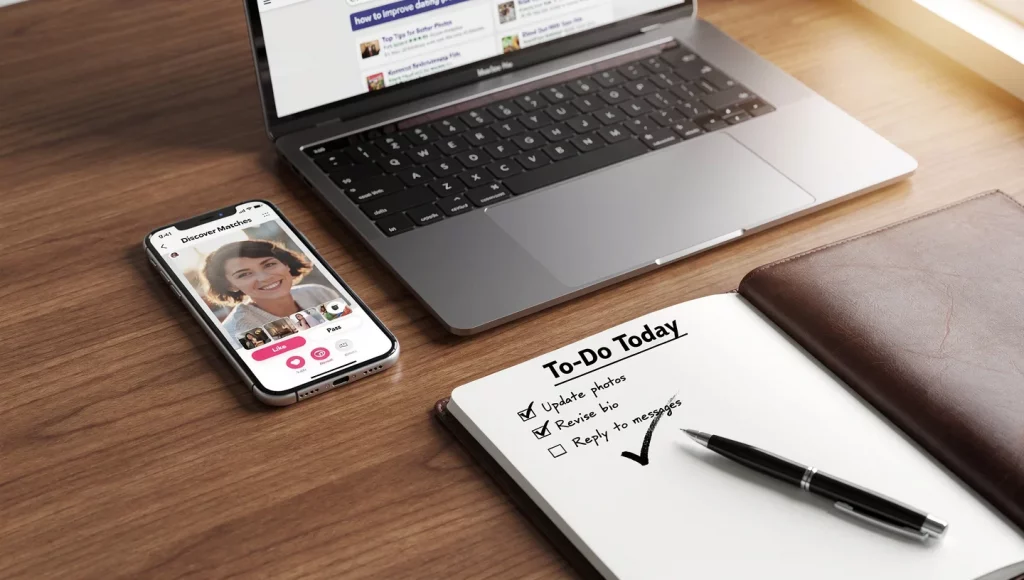
Platform-Specific Verification Techniques: How to Verify on Each Major App
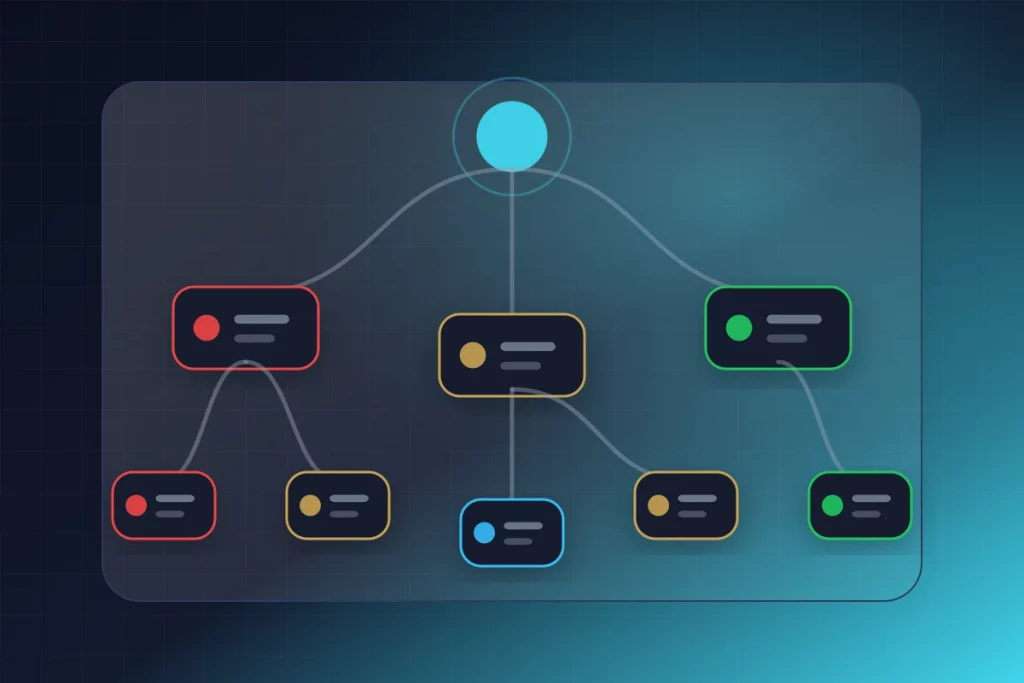
Each dating platform has specific features and limitations that affect how to verify someone on a dating app. Here are the platform-specific techniques that leverage each app’s unique characteristics.
Tinder
- Check for the blue verification checkmark. Its presence means they passed photo matching — useful but limited. Its absence on a polished profile is mildly suspicious but not definitive (many real people don’t bother verifying).
- Look at their Spotify and Instagram links. Tinder allows connecting these accounts. A linked Spotify with years of listening history and a linked Instagram with genuine posts are positive identity signals — harder to fake than dating profile content alone.
- Use Tinder’s video call feature (available in some regions) to avoid the need to share phone numbers before the first live verification.
- Check their “My Anthem” and “Top Spotify Artists.” These small details, if they match what they describe in conversation, are positive consistency signals. If they claim to love country music but their Spotify top artists are all K-pop, note the inconsistency.
Bumble
- Look for the photo verification badge. Bumble’s gesture-based verification is slightly more robust than Tinder’s static selfie matching, providing a marginally stronger signal.
- Use Bumble’s in-app video and voice call features. These allow live verification without sharing personal contact information — reducing risk while enabling Level 4 verification.
- Check their profile prompts. Bumble’s question-and-answer prompts encourage specific, personal responses. Scam profiles tend to answer prompts generically; real people provide specific, personality-revealing answers. When learning how to verify someone on a dating app like Bumble, prompt specificity is a useful authenticity signal.
Hinge
- Check the selfie verification badge. Hinge’s video-based verification is the strongest photo-matching system among major apps.
- Analyze their prompt responses and comment engagement. Hinge encourages engagement through likes and comments on specific profile elements. A person who engages with your specific content (not generic “hey beautiful” comments) is more likely genuine.
- Check their “Virtues” section. Hinge allows users to share values and relationship goals. Cross-reference these self-reported values with what they demonstrate in conversation. Inconsistency between stated values and conversational behavior is a red flag.
Facebook Dating
- Check their linked Facebook profile. Facebook Dating shows the connected Facebook account. Examine the Facebook profile for account age (years of history vs. recently created), friend count and quality (real friends with genuine connections vs. random contacts), tagged photos (appear in other people’s photos vs. only self-posted content), and activity consistency (regular organic posts over years vs. sparse, recently added content).
- Look for mutual friends. Facebook Dating shows mutual connections if they exist. A match with mutual friends has a built-in verification layer — you can ask your shared connection about the person.
Across All Platforms
Across platforms, a practical process for how to verify someone on a dating app can include reverse image search, a live conversation, comparison of voluntarily shared public details, and a consent-based GuyID Trust Profile check before meeting. Choose proportionate steps and do not treat any one result as a safety guarantee.
What to Do When Verification Fails
As you learn how to verify someone on a dating app, you’ll inevitably encounter situations where verification produces concerning results. Here’s how to respond to each scenario.
Reverse Image Search Finds Their Photos Under a Different Name
This is definitive — the profile is using stolen photos. Unmatch immediately. Do not confront them (this alerts the scammer and serves no protective purpose). Report the profile to the dating platform with screenshots of the reverse image search results. File a report at ic3.gov if any financial requests were made. See our complete reporting guide for all channels.
They Refuse Video Calls Repeatedly
One declined video call with a reasonable explanation (truly busy, genuinely bad timing) is normal. Three or more declined requests across multiple weeks — especially with different excuses each time — is a strong indicator that the person cannot appear on video because they don’t match their photos. Communicate clearly: “Video calls are important to me before meeting. I understand you’ve been busy, but I need this to feel comfortable continuing our conversation.” If they refuse again, disengage.
They Refuse Identity Verification
If you ask for a GuyID Trust Profile and they refuse or make excuses, that’s informative but not automatically definitive. Many genuine people haven’t heard of GuyID yet. The appropriate response is: “I get it — it’s relatively new. Would you be open to creating one? It only takes a few minutes and it would make me feel a lot more comfortable meeting.” If they refuse to verify through any method — no video call, no verifiable social media, no identity verification — the cumulative refusal pattern is itself the answer.
Their Story Doesn’t Match Their Digital Footprint
They claim to work at Google but no LinkedIn profile exists. They claim to be 32 but their Facebook account shows a different age. They claim to live in Chicago but their Instagram posts geotagged to a different city. These inconsistencies don’t necessarily mean they’re a scammer — some people are private online. But they do mean that their identity claims are unverified and potentially false. Proceed with heightened caution, and do not meet in person until the inconsistencies are resolved through direct, honest conversation.
Summary: The Complete Verification Checklist for How to Verify Someone on a Dating App
Knowing how to verify someone on a dating app comes down to a systematic process that gets more comprehensive as the relationship progresses. Here’s the complete checklist organized by relationship stage.
🟢 Before or Right After Matching (Level 1-2)
☐ Save and reverse image search all profile photos through GuyID’s free tools
☐ Check photos for AI-generation characteristics
☐ Run their bio through GuyID’s bio red flag detector
☐ Assess bio for specificity vs. vagueness
☐ Check photo variety (different settings vs. same photoshoot)
Time: 2-3 minutes total
🟡 First Week of Conversation (Level 3-4)
☐ Search their name on LinkedIn, Instagram, Facebook
☐ Cross-reference claimed career, age, location against social media
☐ Google their full name + city + profession
☐ Google their phone number (if shared) for scam reports
☐ Request and complete a video call with active deepfake testing
☐ Use GuyID’s catfish probability detector for objective risk assessment
Time: 10-15 minutes total
🔵 Before Meeting in Person (Level 5)
☐ Ask for their verified GuyID Trust Profile link
☐ Check Trust Tier, ID verification status, and social vouches
☐ Share your date plans with a trusted friend
☐ Share your match’s profile photo with your friend
☐ Arrange to meet in a public, well-lit location
☐ Plan your own transportation
Time: 5 minutes total
The complete process for how to verify someone on a dating app takes approximately 15-25 minutes spread across the first week of matching — and it provides dramatically more protection than any amount of red-flag-watching during months of unverified conversation. Every minute invested in proactive verification saves hours of potential emotional recovery and thousands of dollars in potential financial losses.
Review our comprehensive guides on the specific threats this verification process protects against: how to spot a romance scammer, AI romance scams, deepfake dating scams, pig butchering scams, and the latest romance scam statistics for 2026.
Verify Your Matches — It Takes 30 Seconds to Start
GuyID provides 60+ free safety tools including reverse image search, catfish detection, and bio red flag analysis — plus the only Level 5 identity verification (government ID + social vouching) that works across every dating platform. Women check for free.
Try Free Safety Tools
Learn About GuyID